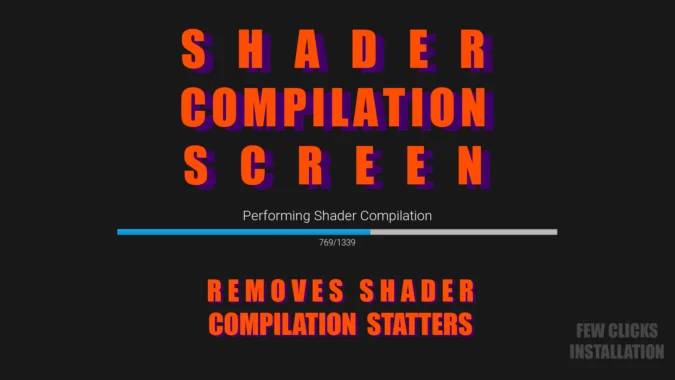
Many people face problem of stutters caused by one time shaders and niagara emitters compilation. It might cause bad first impression about a game. This plugin will resolve this issue in 4 easy steps.
You can easily see the difference by clearing shader cache before starting it using “-clearPSODriverCache”
Marketplace allows only latest 3 engine version to be uploaded. If you need 4.26 and 4.27 versions you can send me email with proof of purchase.
Technical Details
Features:
- Automatically finds all Materials and compiles
- Automatically finds all Niagara Systems and compiles
- Loading screen that shows compilation progress
Code Modules:
- ShaderCompilationScreen(Runtime)
Number of Blueprints: 3
Number of C++ Classes: 2
Supported Development Platforms: Currently tested with Windows
Supported Target Build Platforms: Currently tested with Windows
Original_Link: https://www.unrealengine.com/marketplace/en-US/product/shader-compilation-screen-remove-shader-stutters
Download Links:
Asset Version (5.0, 5.1, 5.2, 5.3, 5.4)