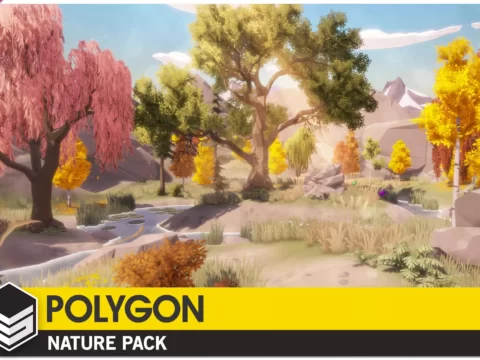
The Visual Engine is a set of high-quality shaders and tools designed to unify 3rd party assets under the same shader system. Enable high-quality wind motion, interaction, seasons, wetness, subsurface, layers, variation, etc. for all assets with Standard, Universal, or HD Render Pipeline!
○ Overview
The Terrain Elements Module is a set of element shaders designed to control the vegetation color, size, overlay, cutout, wetness, emissive, and subsurface for each individual painted terrain layer, based on splat maps.
The Terrain Elements Module works with any terrain painting system capable of generating or exporting splat maps, such as the Unity Terrain or MicroSplat.
○ Compatibility
Terrain Elements supports the following Render Pipelines:
✓ Standard Render Pipeline 2022.3+
✓ Universal Render Pipeline 2022.3 / 6.0 – 6.6
✓ HD Render Pipeline 2022.3 / 6.0 – 6.6
Terrain Elements has integration with the following 3rd party tools:
✓ Amplify Shader Editor – Full shader editing support
○ Features
✓ 16 terrain layers supported
✓ Demo and full source included
✓ Paint Elements: Tinting, Tinting Intensity
✓ Atmo Elements: Dryness, Overlay, Wetness, Cutout
✓ Glow Elements: Emissive, Subsurface
✓ Form Elements: Size Fade
○ Disclaimers
⚑ With the release of the Visual Engine, the Vegetation Engine will not be updated anymore, but it will get critical fixes for a limited time. If you purchased any of the modules and you need older versions compatible with the Vegetation Engine, feel free to contact me!
Original_Link: https://assetstore.unity.com/packages/vfx/shaders/the-visual-engine-terrain-elements-module-181731